

Trust guide
Find Missing Or Unsaved Records
Check whether a save succeeded, find hidden records, and safely recover pending work without creating duplicates.
Contact support if checks failOn this page
Keep the current draft. Check whether a record already exists before creating another copy.
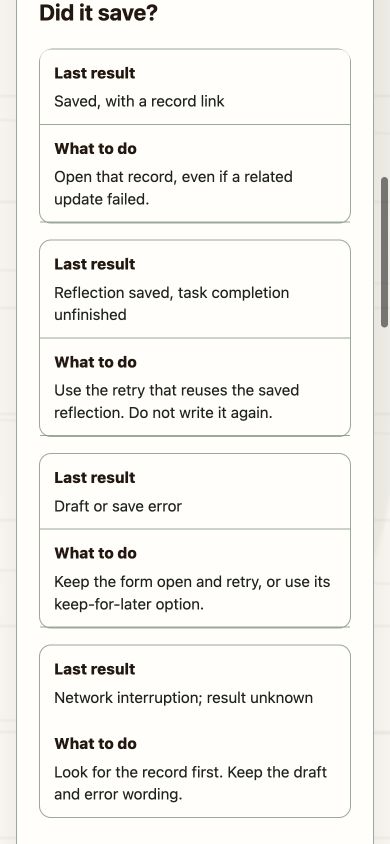
Did it save?
| Last result | What to do |
|---|---|
| Saved, with a record link | Open that record, even if a related update failed. |
| Reflection saved, task completion unfinished | Use the retry that reuses the saved reflection. Do not write it again. |
| Draft or save error | Keep the form open and retry, or use its keep-for-later option. |
| Network interruption; result unknown | Look for the record first. Keep the draft and error wording. |
Check the view before recreating a record
- Check Self → Profile for the original account.
- Open the journal or relevant Act list. Check the date, time zone and filters.
- Search for the title or activity and allow results to finish loading.
- Read connection warnings. For workouts, check health status and Sync now before reconnecting.
- Open any matching record and check it before continuing.
Choose the relevant recovery
Journal entries · Workouts · Photo imports · Task completion · Another device · Reminders
If this did not work
Contact support with the device, app version, time and error shown. Do not send private entries, attachments, tokens or messages.
Keep local drafts. Clearing app data, reinstalling or discarding a draft can remove recovery options.
*Public web help example, checked 17 October 2026. Follow the instructions above if the layout differs.*
Was this guide helpful?
Did this answer your question?
Optional. Your response stays on this device. No private journal or message text is requested.